Brewix Desk
A help desk sized for the IT team you actually have.
Big service desks are built for twenty technicians and an ITIL handbook. Brewix Desk is built for one to three people who also run the network, the laptops and the Microsoft 365 tenant, so the tickets, projects, starters and leavers, devices and renewals all live in one place. Here’s what it does. Everything below runs in the prototype today, against a demo organization.
Tickets
A queue you can clear, not just look at.
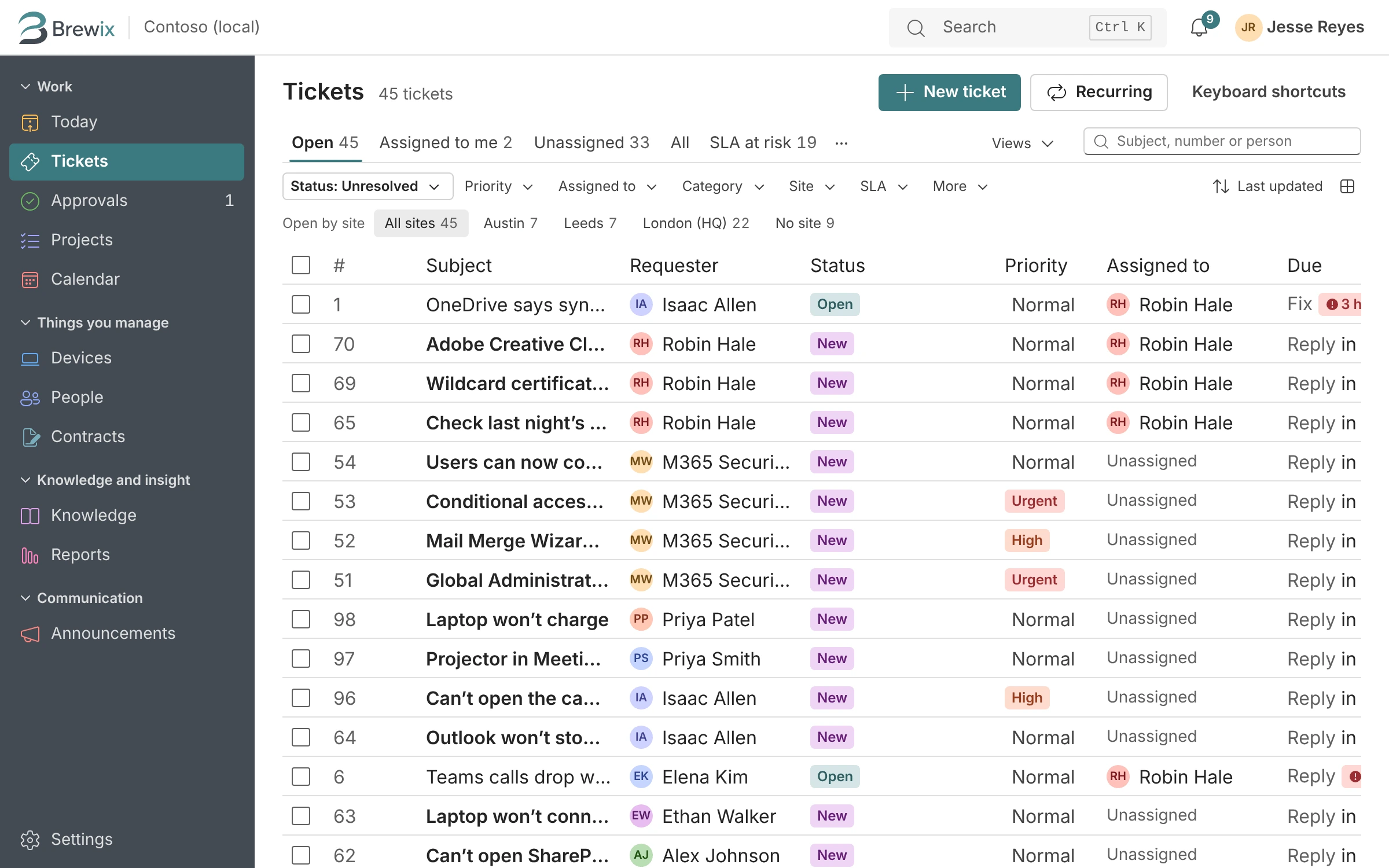
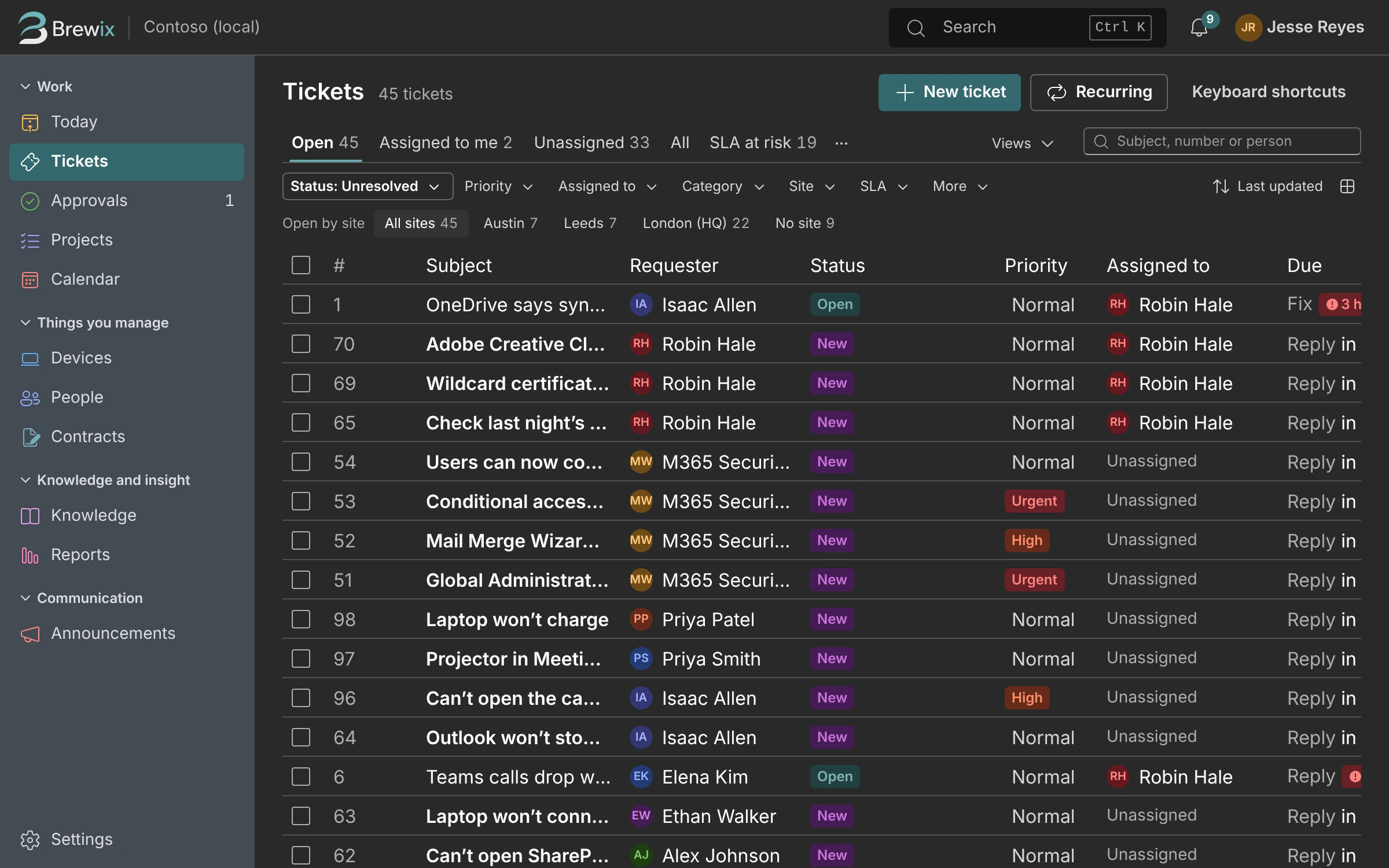
Saved views, quick filters and counts that tell you where to start. Select several tickets and update them together. Every ticket has an owner, a priority and a time it’s due.
- Views for you and shared views for the team, with the columns you choose.
- Internal notes, canned responses and help articles inserted into replies.
- Approvals from a manager without leaving the ticket.
- Copy in a colleague so they see the replies too.
Projects
When a ticket turns into a project, keep it in the same place.
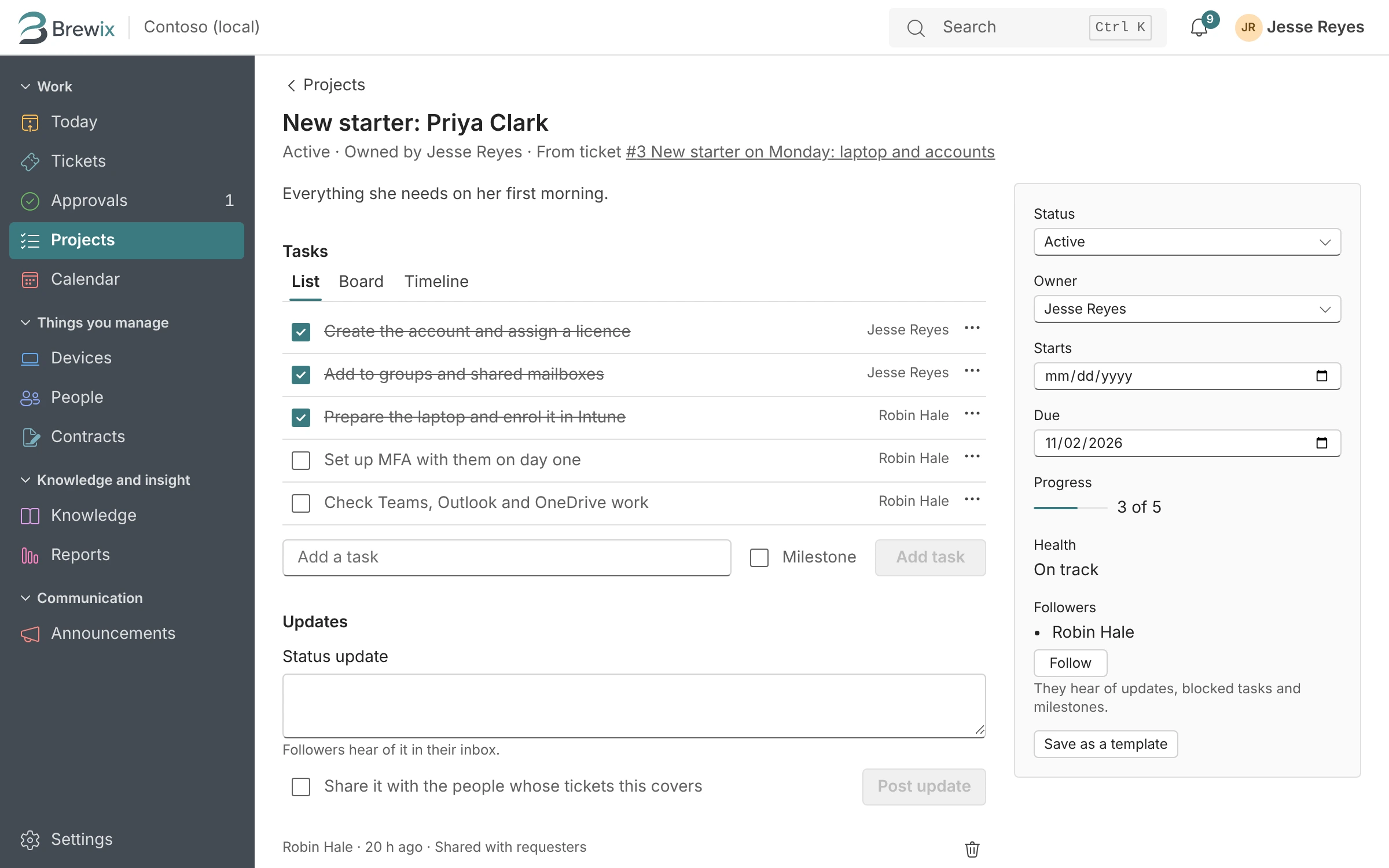
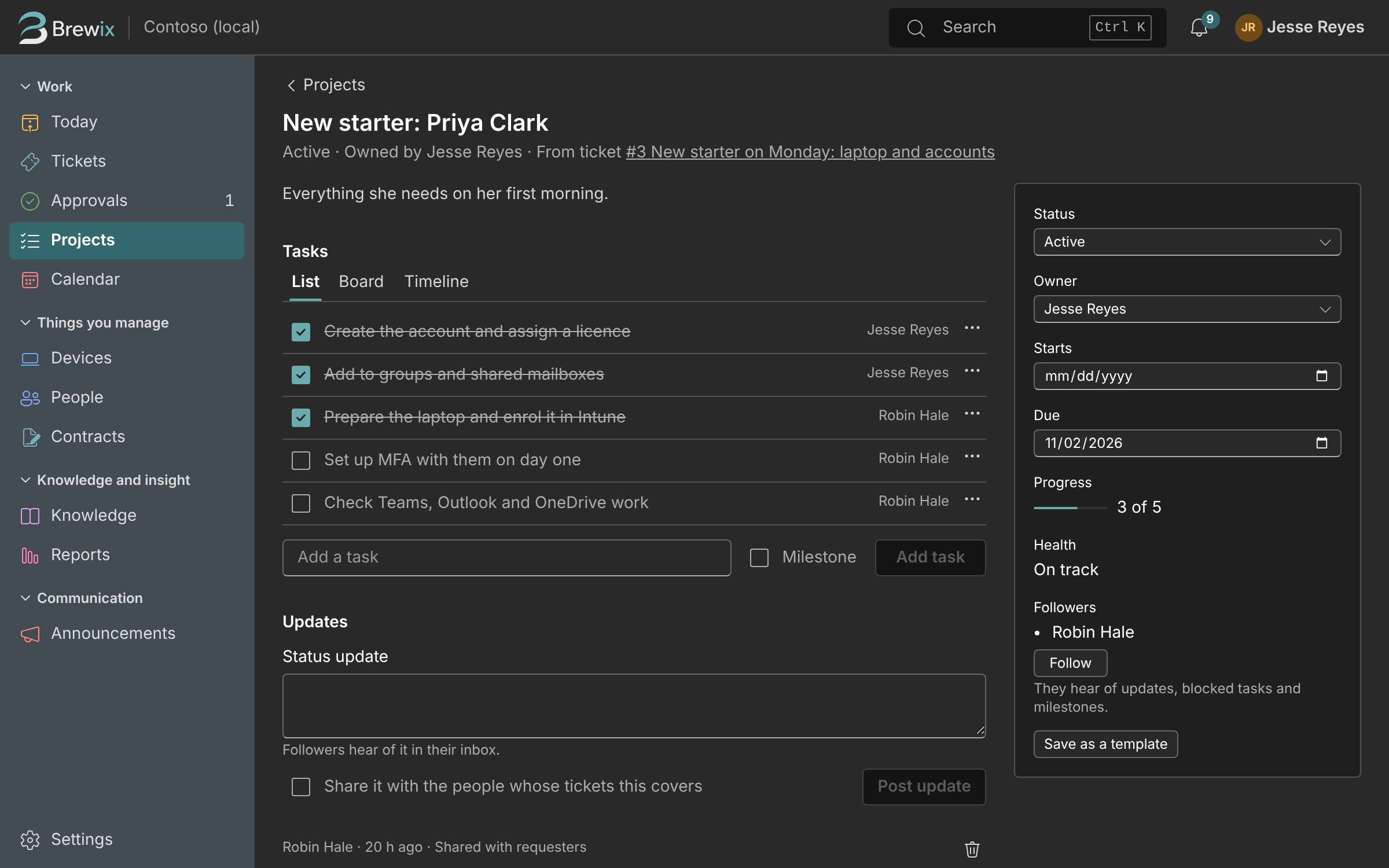
“Can we get the new office on the Wi-Fi?” is not a ticket. Make it a project with tasks and dates, keep the original request linked, and let the person who asked follow along.
- Tasks with owners and due dates, on your Today list with everything else.
- Templates for the projects you run again and again.
- An IT calendar for changes, renewals and loans.
Starters and Leavers
New starter on Monday? It’s already a checklist.
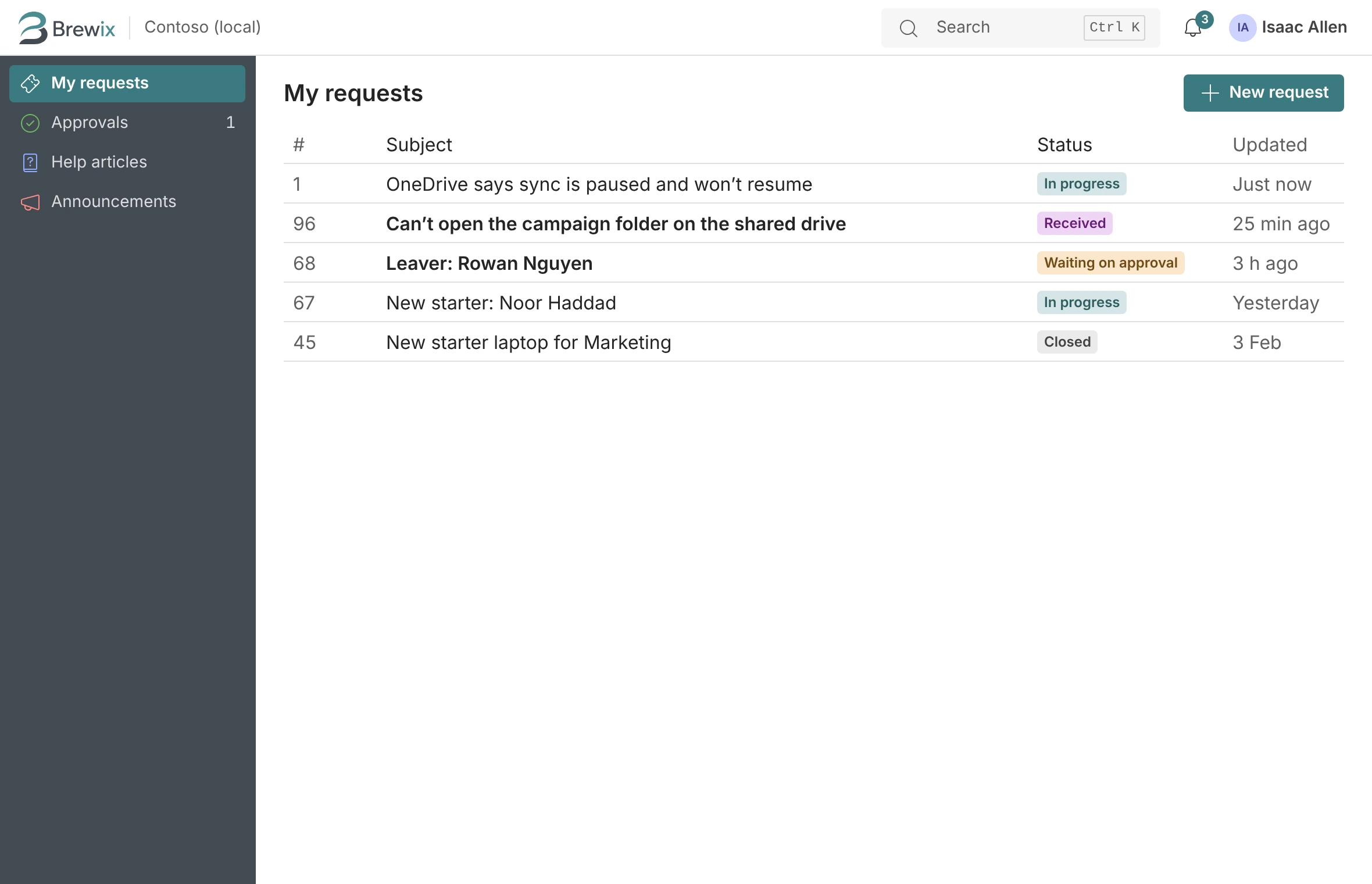
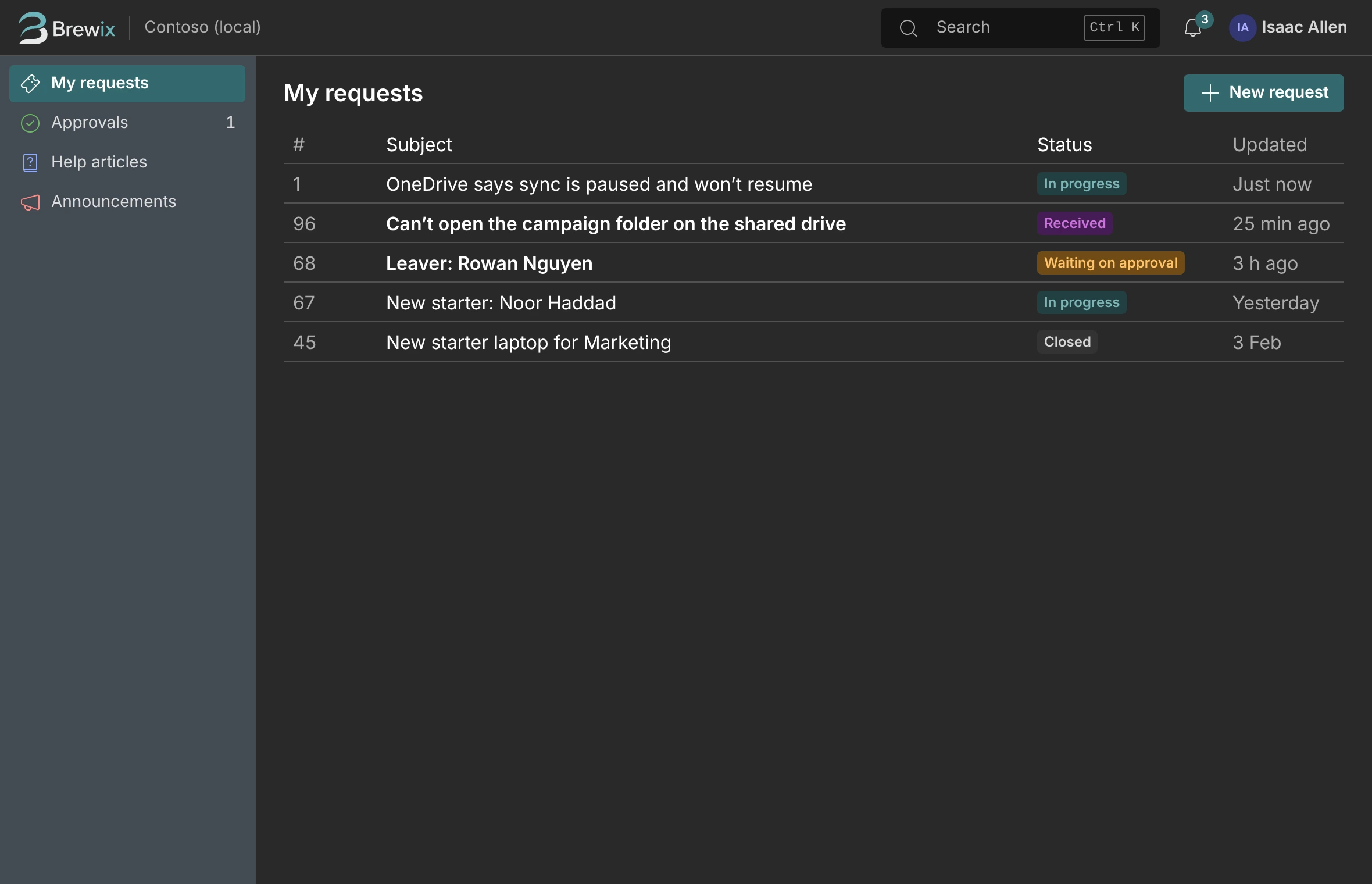
A service catalog with forms that ask the right questions, approvals where you need them, and a checklist project for every person who joins or leaves.
- Forms that check answers before they reach you.
- Manager approval before access or purchases go ahead.
- The requester sees progress without chasing you.
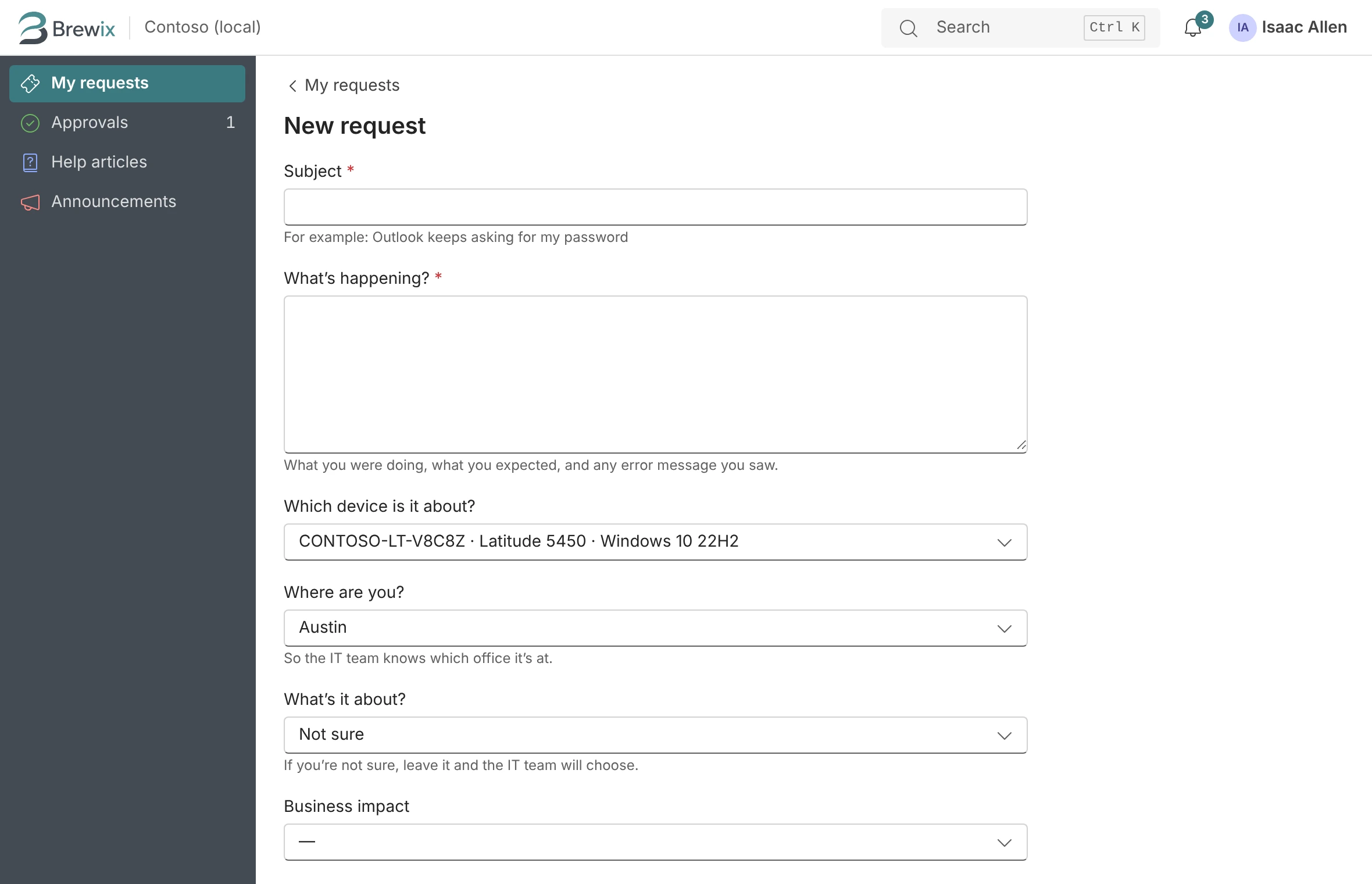
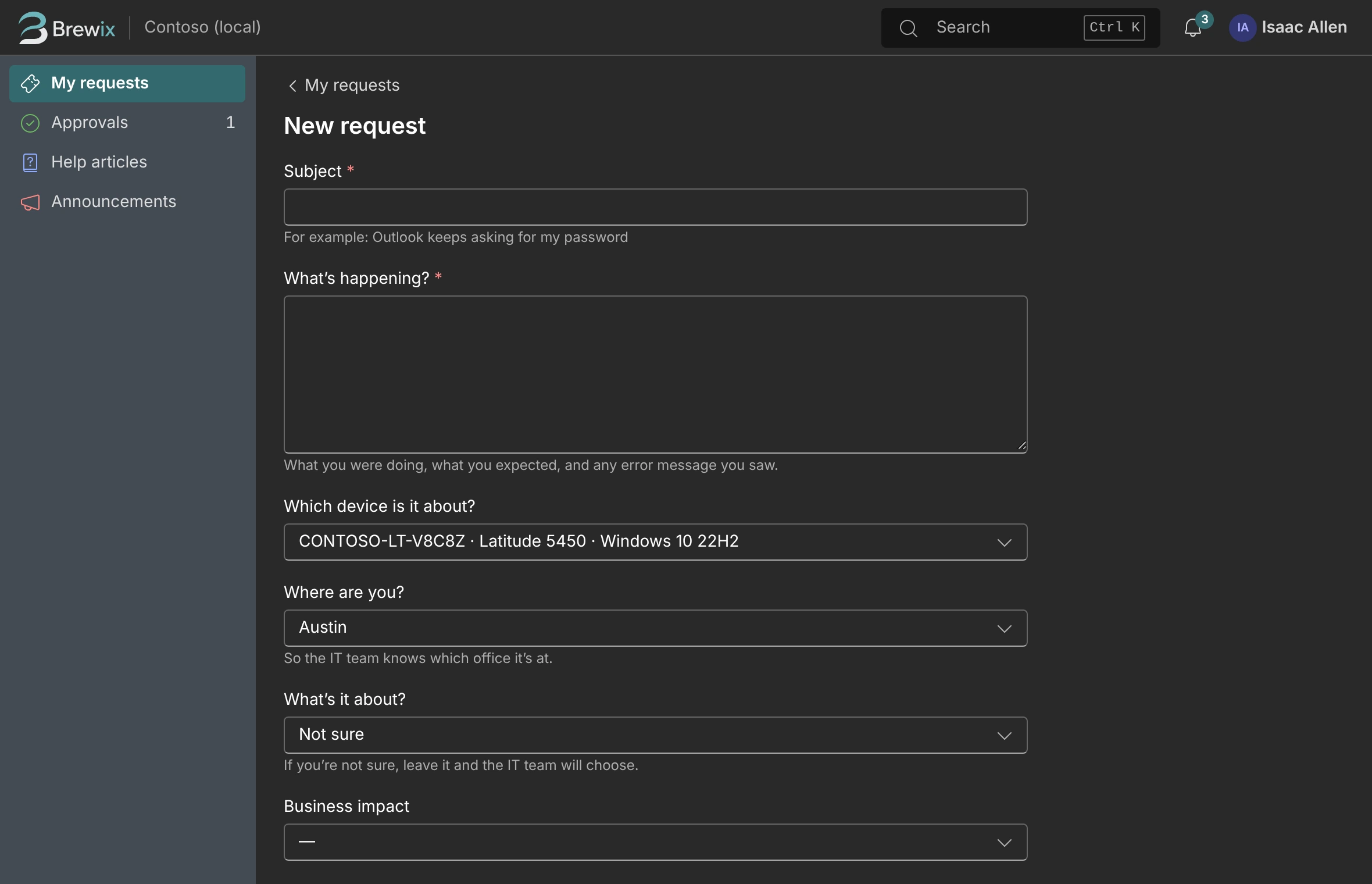
Remembers Your Fixes
The second time is quicker.
Many of a small team’s problems have come up before, on the same kind of laptop, after the same update. Brewix connects the new ticket to the ones you’ve already solved.
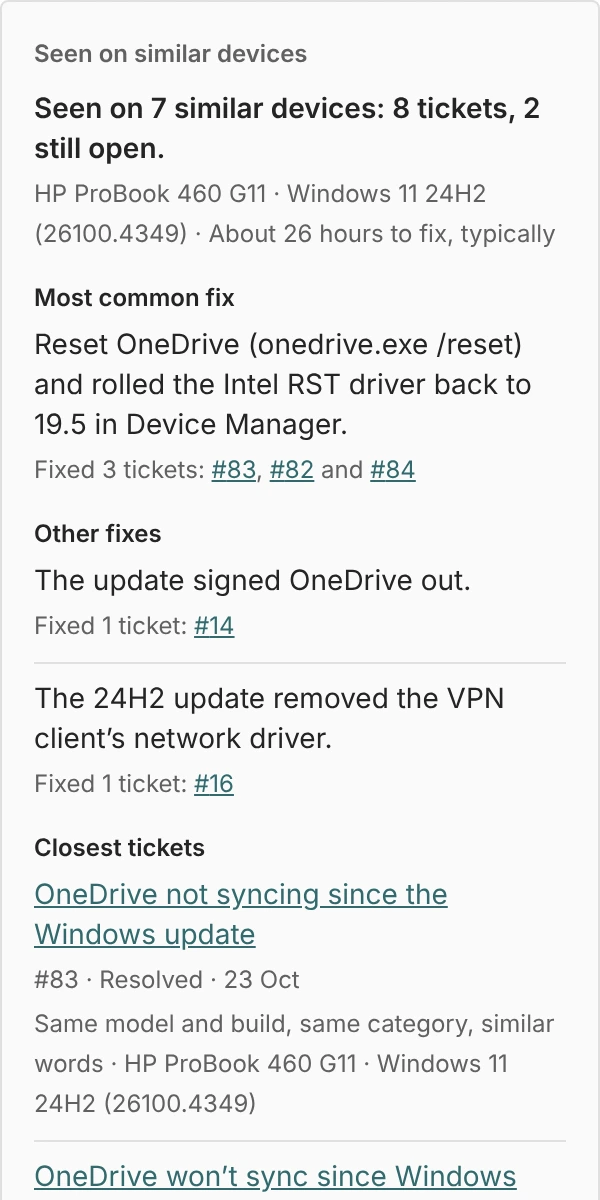
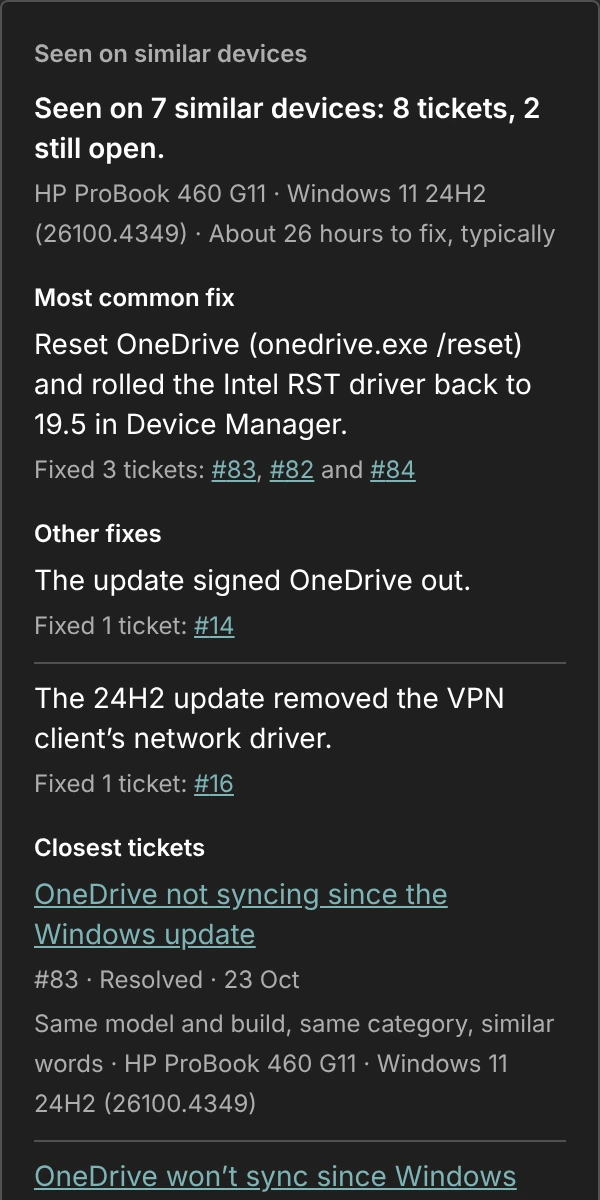
Seen on similar devices
It matches tickets on the same model and Windows build, in the same category, with similar wording, and shows how often the problem has come up, what fixed it and how long the fix usually took.
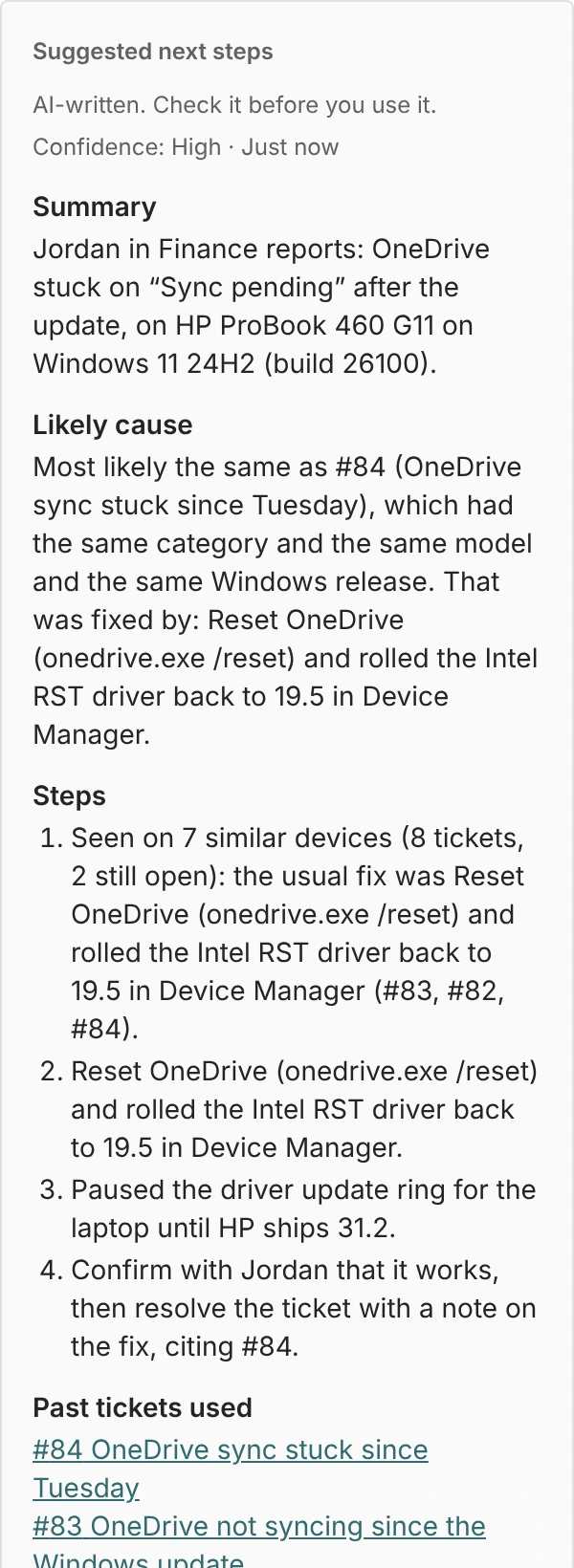
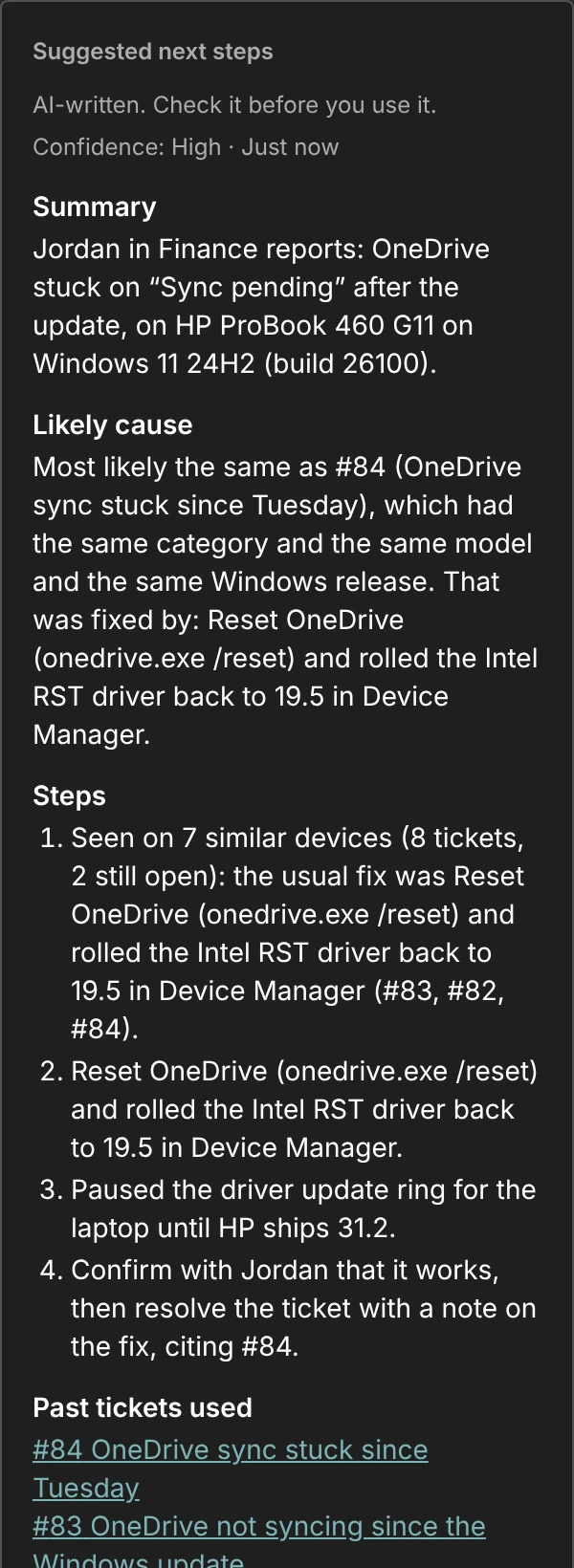
Suggested next steps
A summary, the likely cause, steps to try and a draft reply, built from your own history and labeled as AI-written. You decide what gets sent.
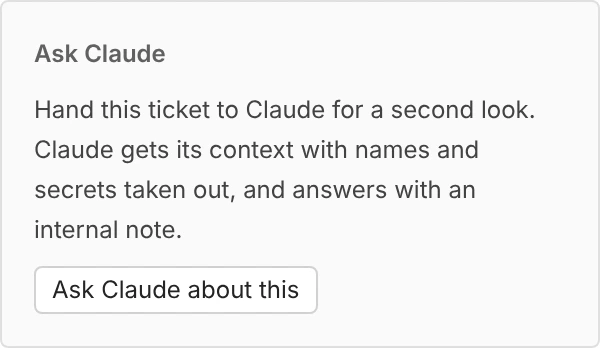
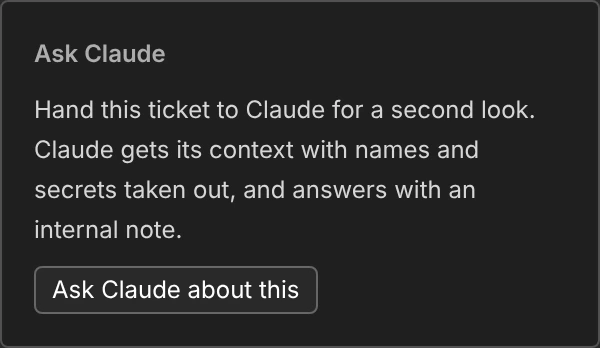
Ask Claude
Hand a hard ticket to Claude for a second look. Names and secrets are taken out first, and the answer comes back as an internal note for you to judge.
Work with your tickets from Claude. Brewix Desk includes an MCP server, the standard way AI assistants connect to other apps, so you can ask Claude what’s open, look up a device or update a batch of tickets in plain English. It signs in with OAuth and your own permissions, with no API keys to leak.
Devices and People
Intune and Entra, where you need them.
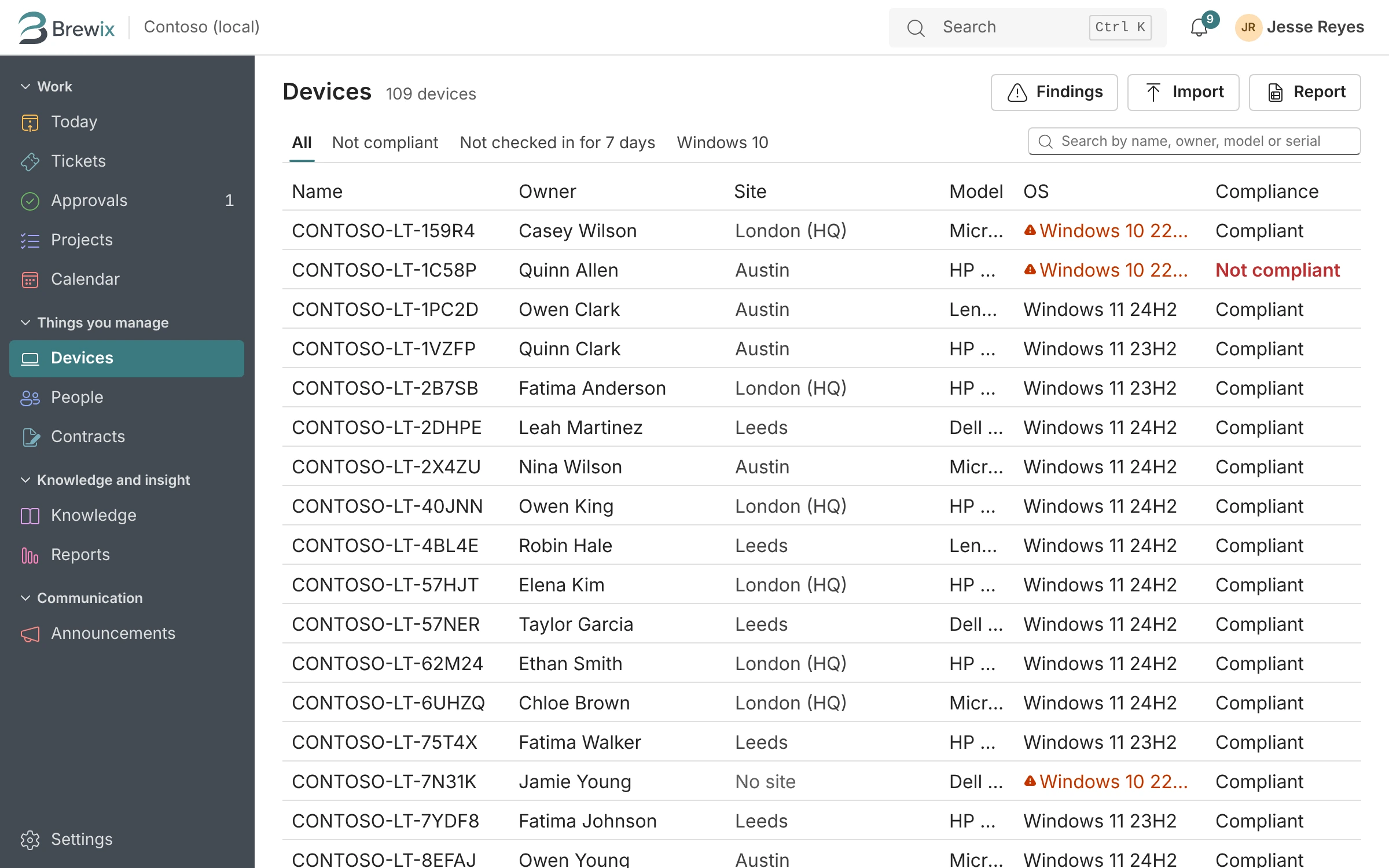
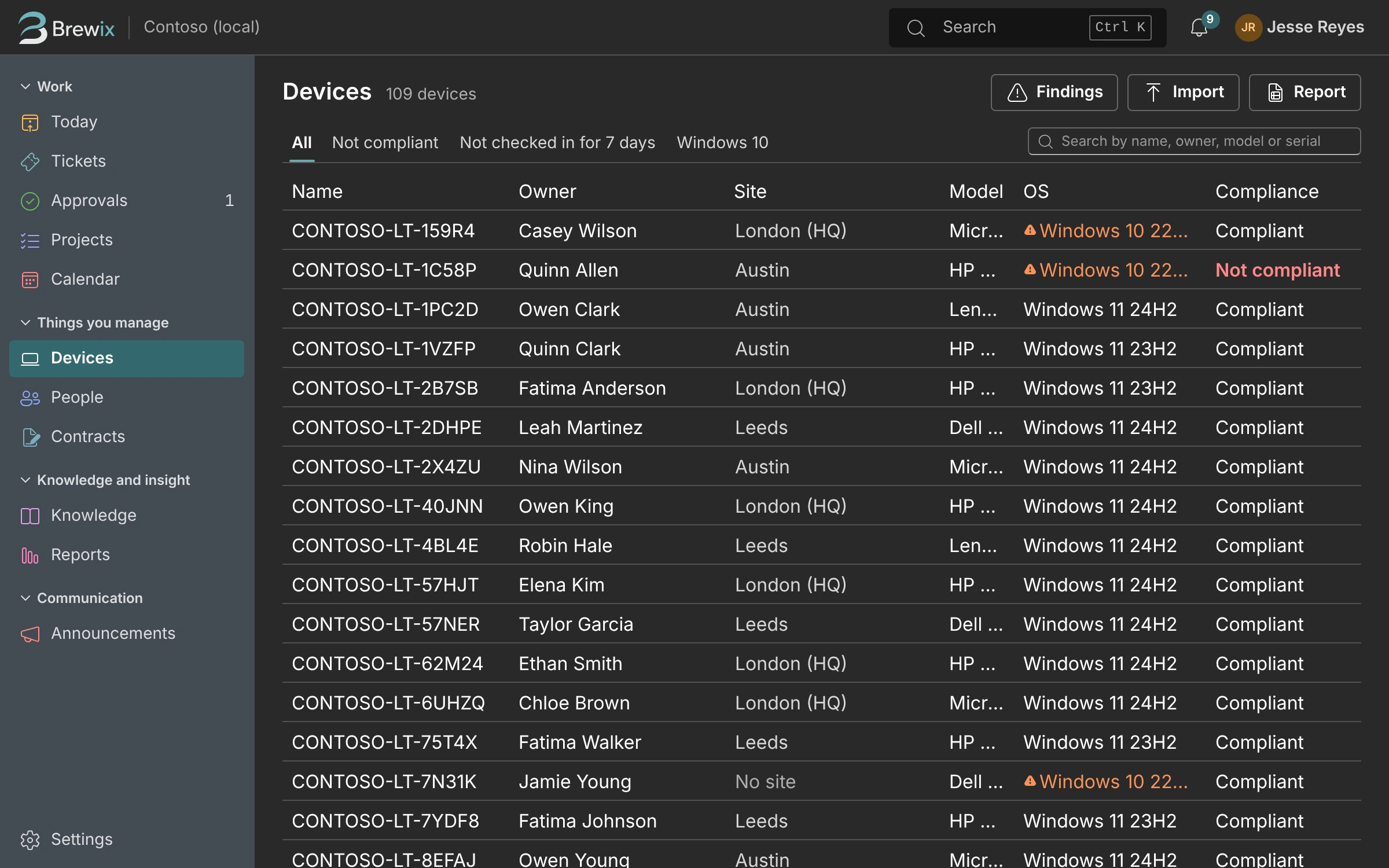
Brewix reads your devices, users and licenses from Microsoft 365 and keeps them current, so the answer is on the ticket instead of in another admin center.
- Model, Windows build, compliance, last check-in, warranty and age for every device.
- Fleet patterns: which models and builds are generating the most tickets.
- Who holds which license, and who hasn’t signed in for months.
- Sync, restart or start Remote Help from the ticket, if an admin turns device actions on.
- Macs from Apple Business Manager alongside Windows from Intune (planned after the beta).
Knowledge
Write the fix once.
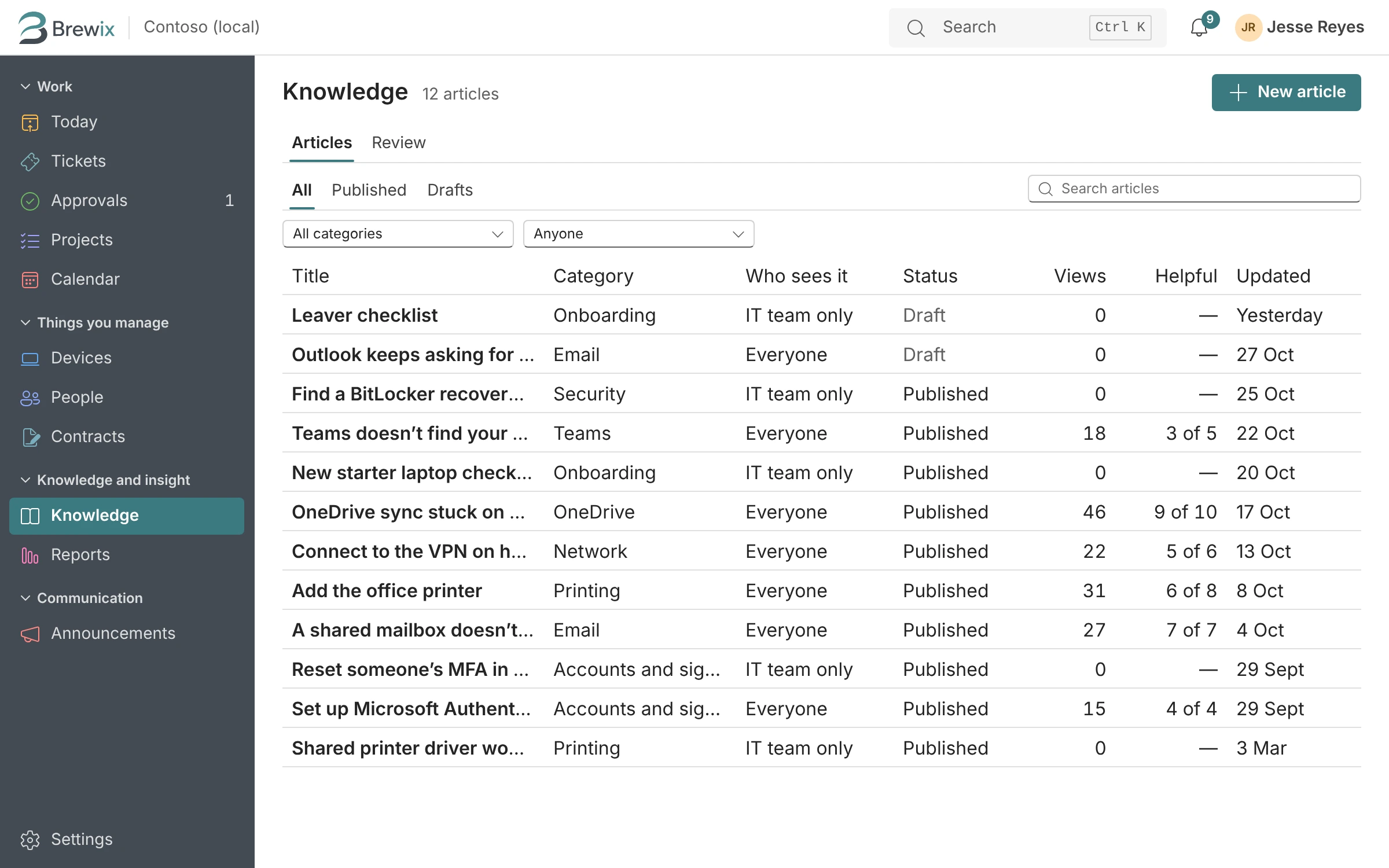
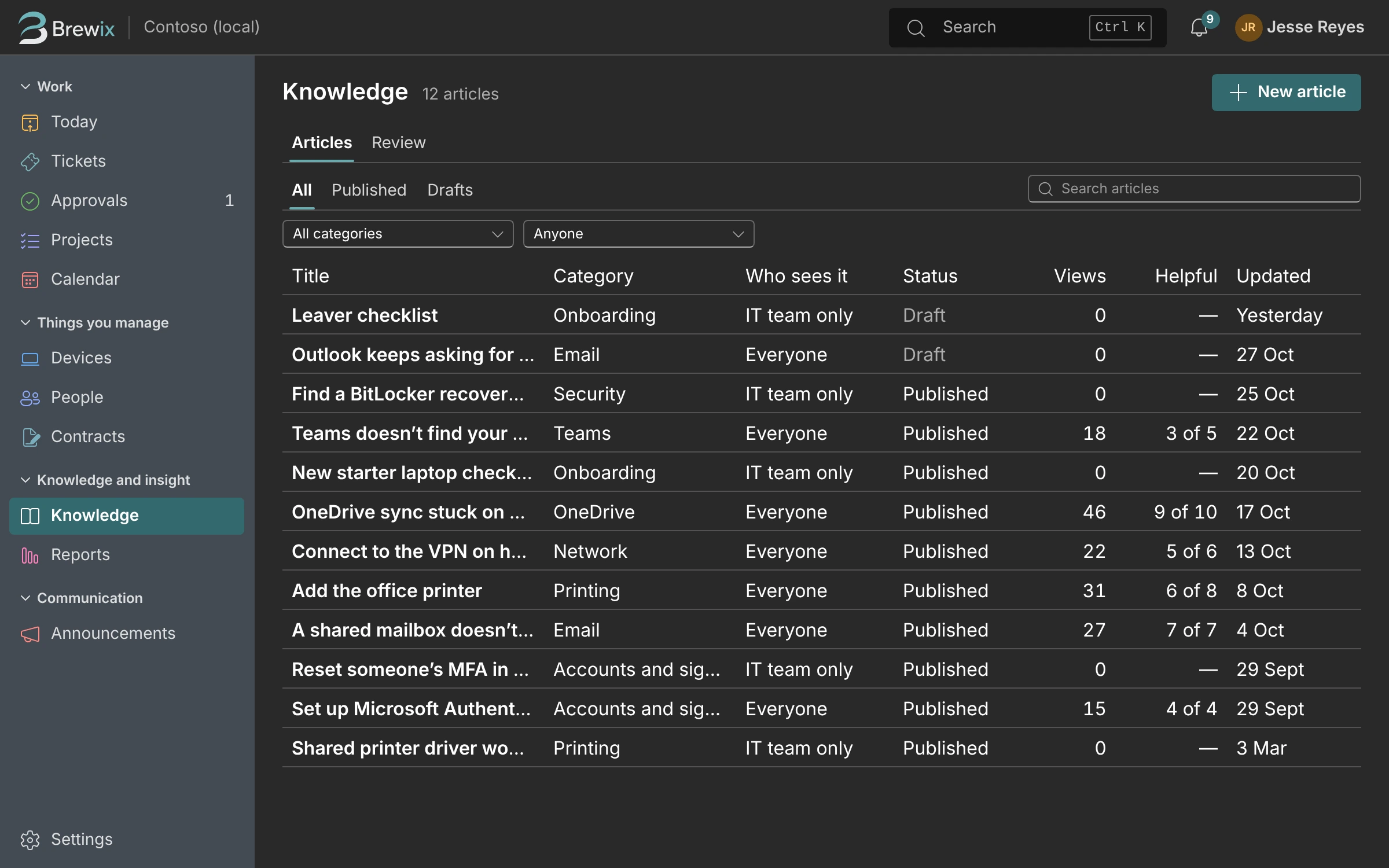
Turn solved tickets into help articles, and use them in replies and the portal.
- Draft an article from a resolved ticket in one step.
- Internal articles for the IT team, public ones for everyone.
- A help page in the portal that people can search before they ask.
Reports and Renewals
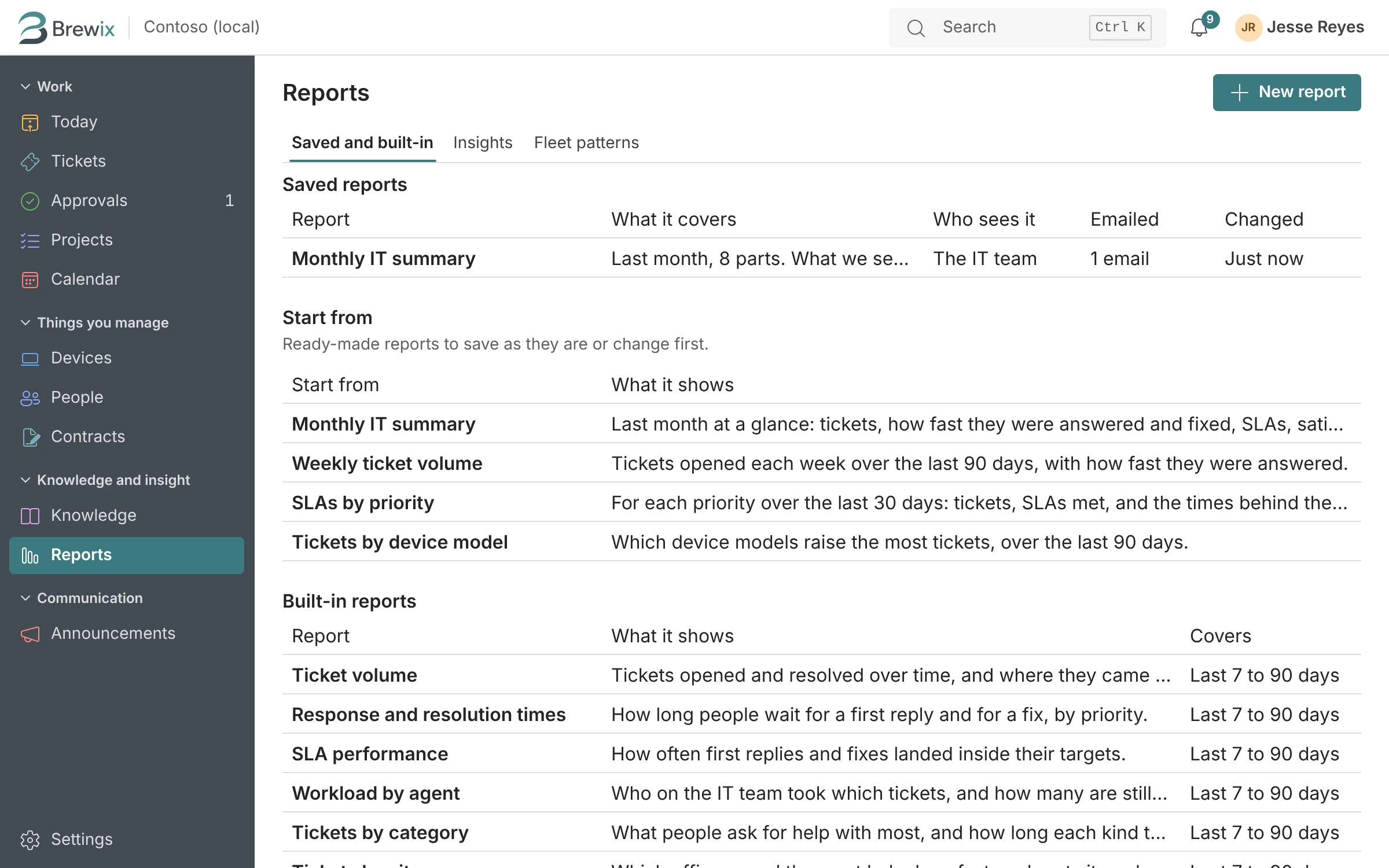
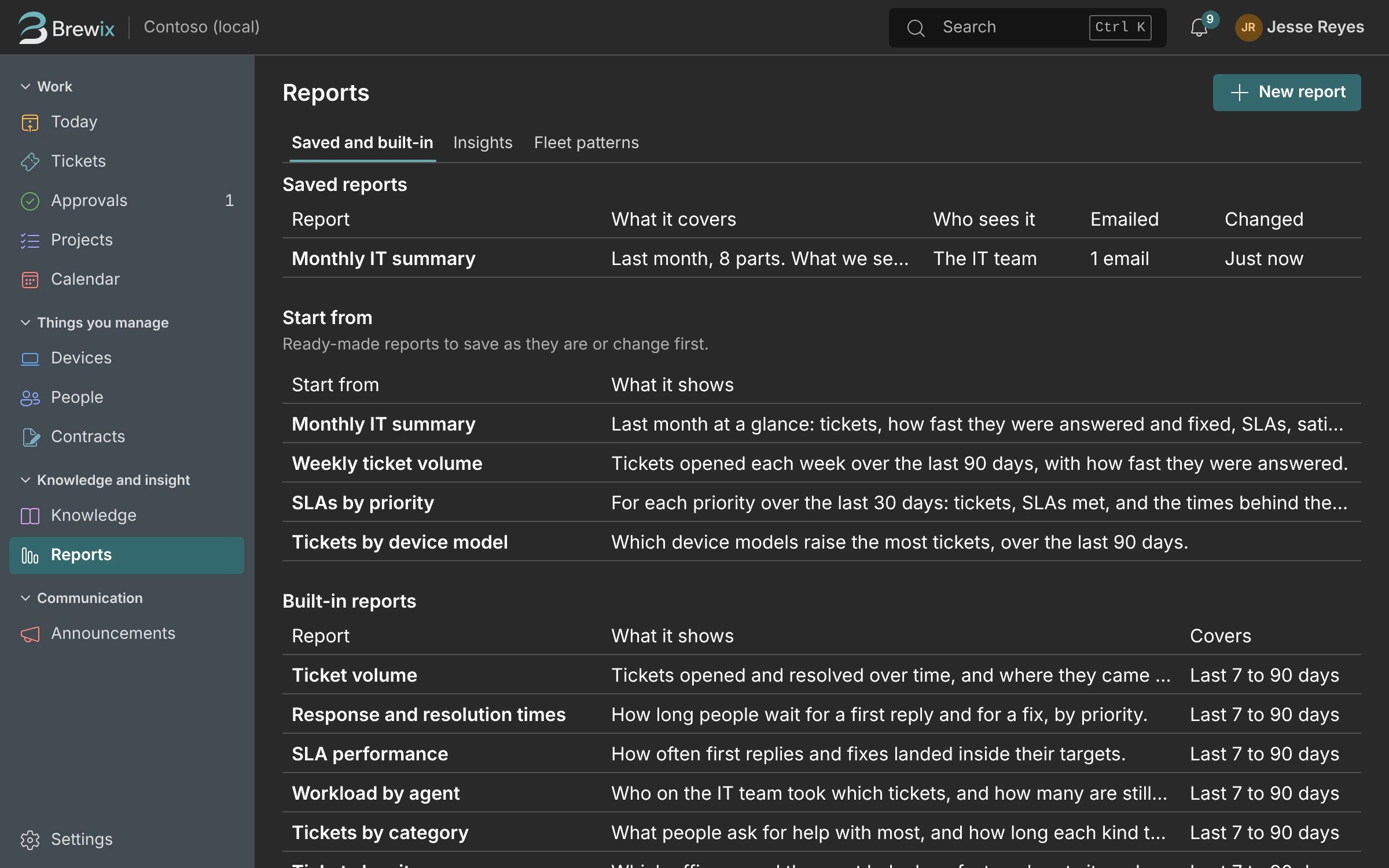
The numbers for your monthly update, ready when you need them.
Ready-made reports for volume, response times and time spent, your own reports when you need them, and a feed for Excel and Power BI.
- Contracts with renewal dates and notice periods, a reminder ticket before notice runs out, and spend by vendor.
- Scheduled reports by email.
- A read-only feed with tokens you can revoke.
Intake
However they ask, it lands in the same queue.
People ask wherever is easiest for them, and every request ends up in the same queue.
- Email. Brewix connects to your help mailbox. Replies thread onto the ticket, and a forwarded email keeps its real sender.
- Teams. People message the help desk in Teams, and you can turn any message in a chat or channel into a ticket with the “Create ticket” action.
- Portal. Request forms for the things you’re asked every week, with the person’s own device already picked.
- Walk-ups, calls and DMs. Log a ticket for someone in seconds, so it gets an owner and a due time like everything else.
Setup and Settings
Set up in one sitting, and adjust it as you go.
A setup guide walks you from connecting Microsoft 365 to your first ticket. Turn on only the parts you need, and change notifications, fields and workflows without a consultant.
Response and resolution targets
Response and resolution targets by priority, with a warning before a ticket misses one.
Recurring tickets
Monthly backup checks and quarterly access reviews open themselves on schedule.
Link and merge
Merge duplicates, link related tickets, and close every ticket for an outage at once from the parent ticket.
Outages and announcements
Post a banner in the portal so the next forty people don’t open the same ticket.
Time tracking
Log time on tickets and see where the week went, without a separate timesheet.
Stock and loaners
Spares on the shelf and loan laptops, with who has them and when they’re due back.
Supplier cases
Keep the ISP’s or MSP’s case number, your follow-up date and your emails with them on the ticket.
Keyboard first
Search everything with Ctrl+K and work the queue without reaching for the mouse.
Light and dark mode, keyboard shortcuts throughout, and every screen checked against WCAG 2.2 AA.
Brewix Desk is nearly ready.
It isn’t open yet. Join the waitlist for short updates as it gets closer, tell us what makes IT hard for you, and hear first when the founder price opens: $59 a month for the first 25 teams, for as long as they stay.